
On site · Visualize
Snags closed with evidence.Not with a promise.
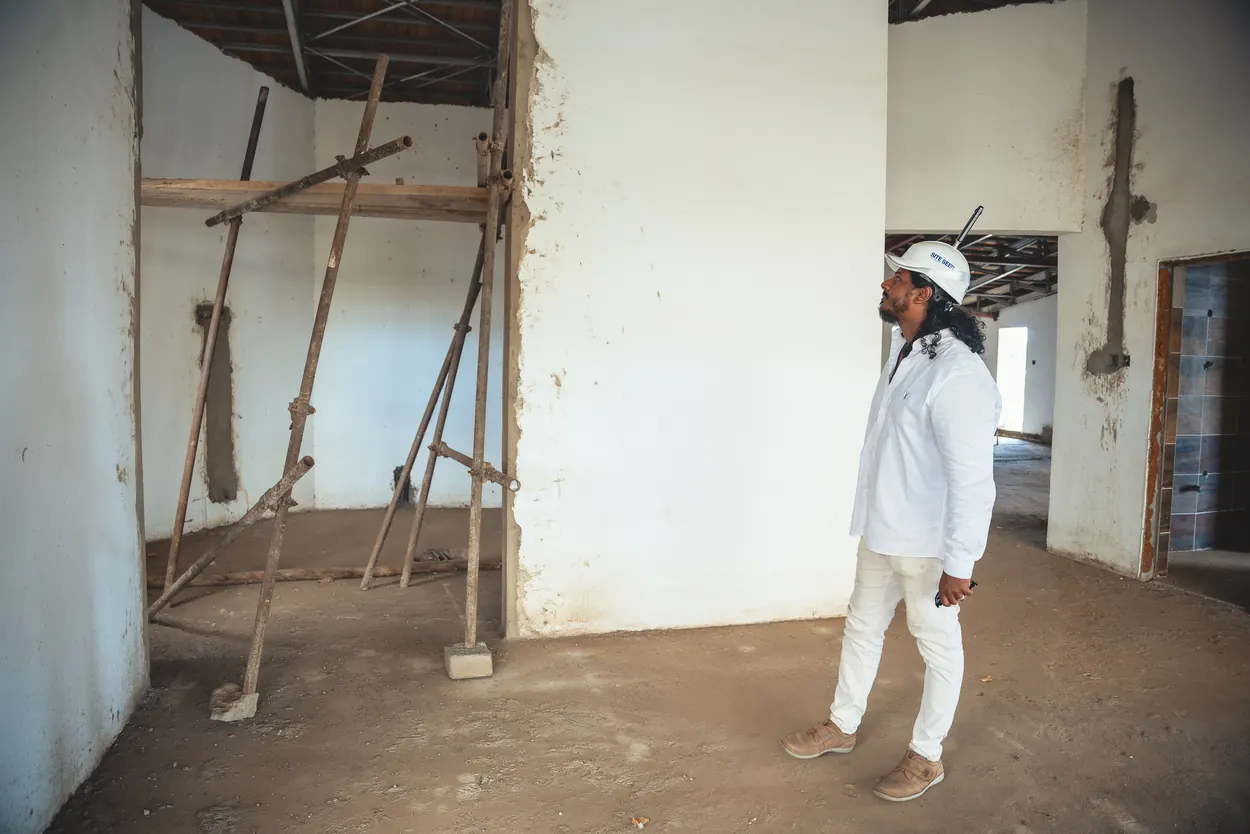
Point the phone at the issue and say what is wrong. The snag is pinned to the room, sent to the contractor who owns it and closed only when you approve the before and after.
Why it matters
A snag marked “closed” is not the same as a repair that was checked.
Defects are found, written down and marked complete, but the fix is rarely verified. They come back at handover, when they cost the most and the contractor has moved on.

01 · Speak
Say what you see.
Hold the mic and describe the defect as you walk. No forms, no typing with gloves on.
02 · Logged
It writes itself up.
The voice note becomes a snag with a title, the room it is in and the photo you took, pinned to the plan.
03 · Classified
AI sorts it for you.
Sera suggests the type, trade, priority and owner. Snag, RFI or non-conformance. Your team confirms in one tap.
04 · Assigned
The right contractor gets it.
It lands on their phone with a due date. If it runs late, they are nudged, not you.
05 · Closed
Closed only with proof.
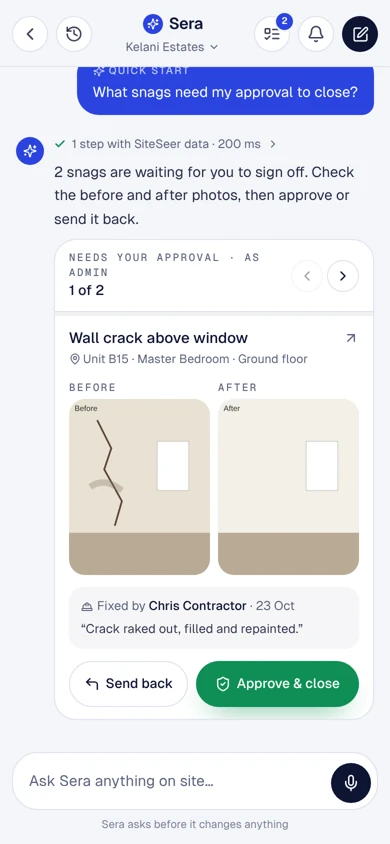
The fix is photographed in the same spot and signed off on site. Before and after stay on the record.
06 · Ask Sera
Ask anything. Get the report.
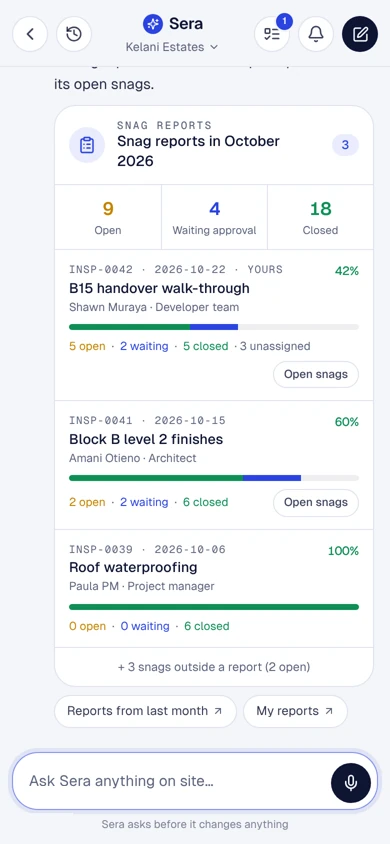
“Which snags are still open on Block 1?” Sera answers from the project and builds the snag report in Excel or PDF.
New snag
Kelani · Block 1Recording · 0:07 · hold to talk
SN-KEL-0142 · Cracked screed
A-104 kitchen · High
Assigned · due Friday
Before · 14 Oct
After · 17 Oct
Which snags are still open on Block 1?
4 open, 2 past due
Water ingress, basement ramp · BuildCo · due today
01 Speak
02 Logged
03 Classified
04 Assigned
05 Closed
06 Ask Sera
Snags in Sera AI
From the corridor,not the laptop.
Approve
Close with evidence.
What needs your sign-off, with the before and after photos and who fixed it. Approve and close, or send it back.
Act
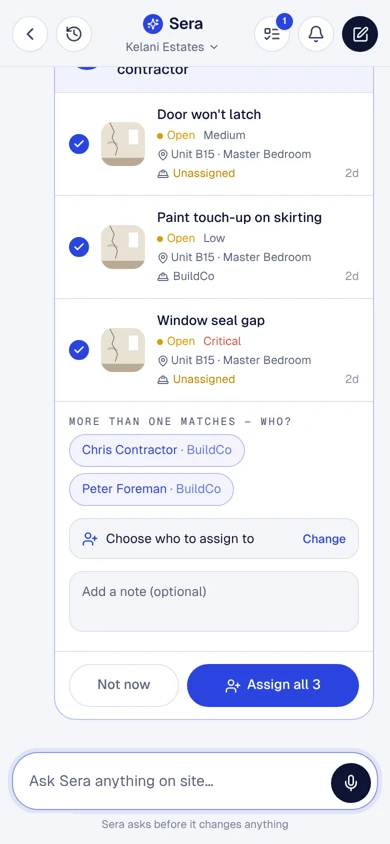
Close or assign the whole list.
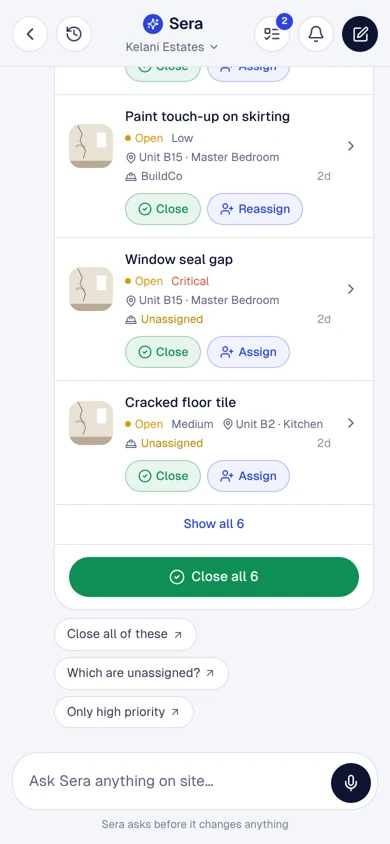
Open snags by unit and room; close or assign them one by one or all together. Bulk actions ask twice.
Assign
To the right contractor.
Sera finds the people by role and sends each snag with a fix-by date.
Report
Reports in a tap.
Snag reports by period, schedules by unit and contractor, and PDFs for the meeting.
Visualize · what you can do
What you can do.Walked, captured, verified.
Log by voice or photo
Walk, point and talk; Sera writes up the snag and puts it in the right room.
Owned and dated
Each snag goes to the contractor who owns it, with a fix-by date.
Closed with before and after
You approve the fix with both photos side by side, or send it back.
Reports in a tap
Snag schedules by unit and contractor, and PDFs for the meeting.
The result
Fewer defects at handover, and a record of every fix and who signed it off.
Questions
About Snagging and verified closure.
Something else on your mind? Walk through it with us on your own project.
Anyone on the project with access: your team, the architect, the clerk of works or the contractor.
Only if you choose: closed snags can show on the buyer's list in MyHome.
Keep exploring
Every part connected.
Visualize
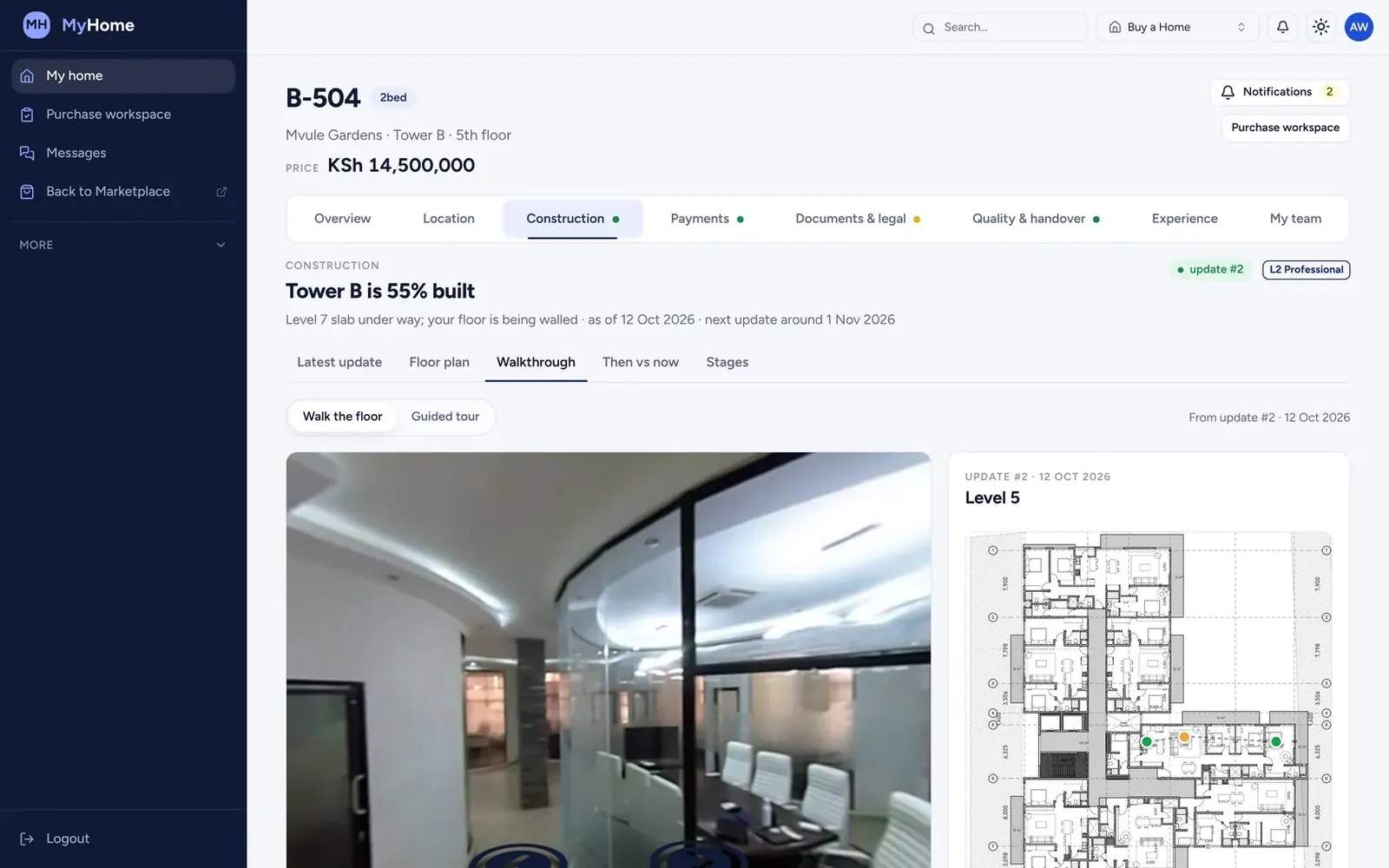
Site walks, before and after
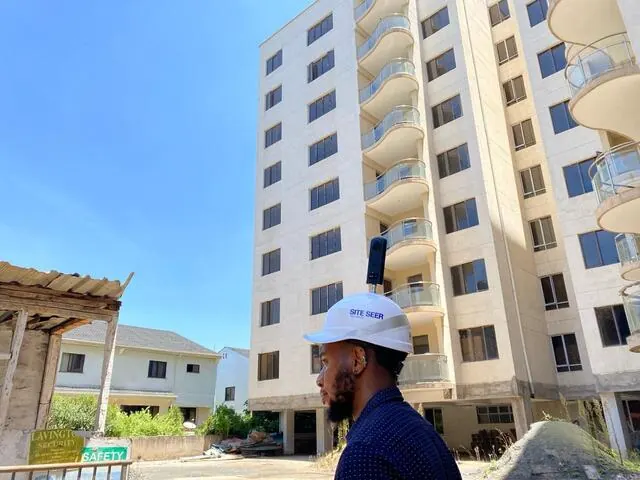
We walk your site with 360° cameras every week. Compare any two dates, from anywhere.
Visualize
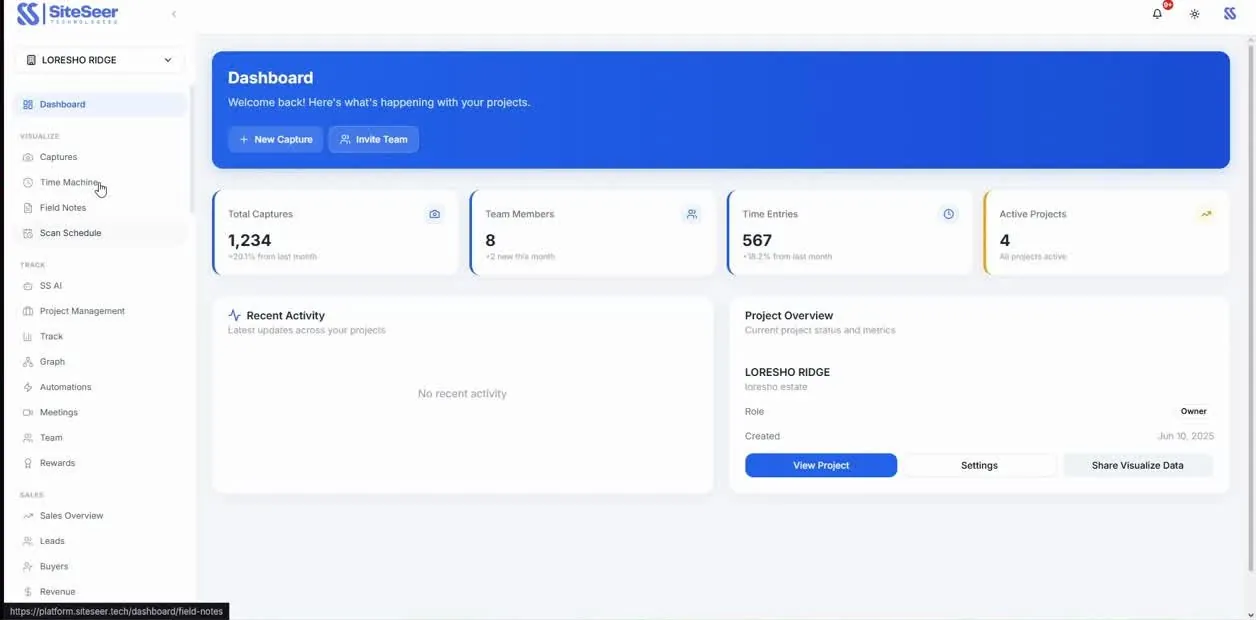
Construction progress tracking
Verified progress against the plan and the programme, floor by floor, week by week.
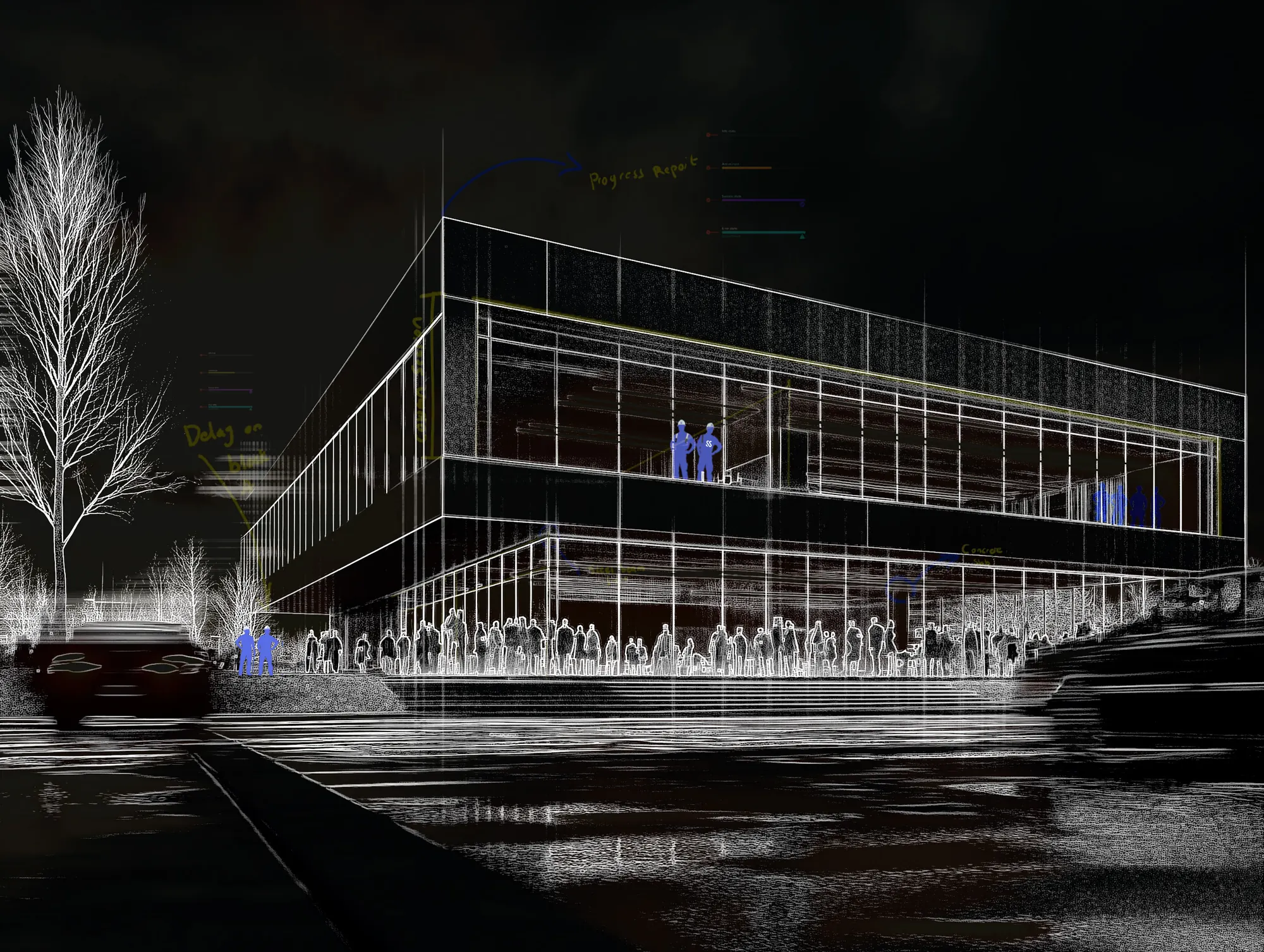
Visualize
Twin view: behind the wall
The capture beside the model. Know what was installed behind every wall, long after handover.