

Procurement on WhatsApp
Buy what the site needs.Never more than the budget.
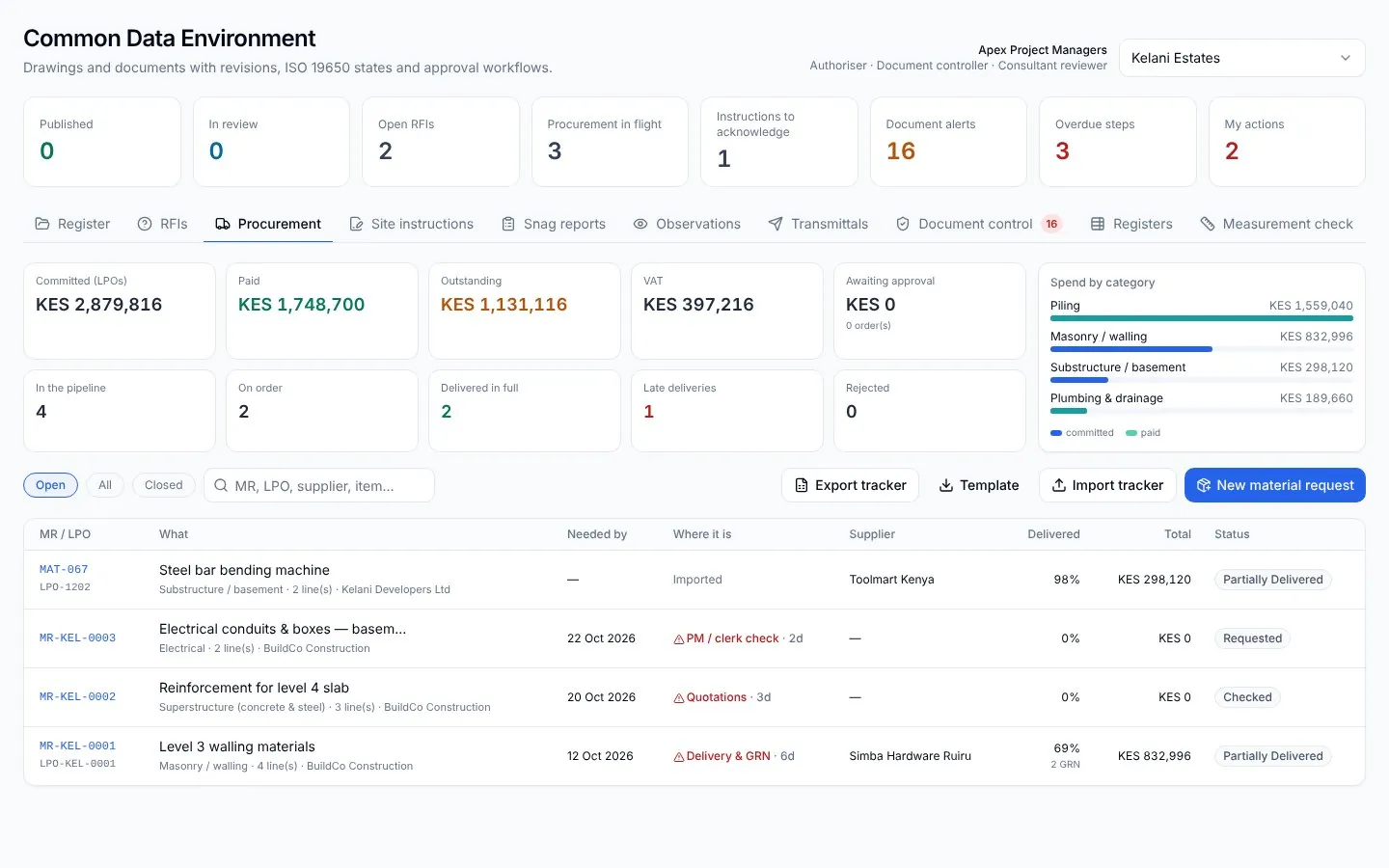
Your site team keeps using WhatsApp. Every request becomes a record matched to the BOQ and the budget, quotes are compared, approvals are a reply, and deliveries are confirmed with a photo.
What you get
Every order against the BOQ
Requests are matched to BOQ lines and checked against what is left in the budget.
Approvals in a reply
PM, QS and developer approve the LPO on WhatsApp. Each approval is signed and filed.
Pay only for what arrived
Order, delivery note and invoice are matched before anything goes to payment.
The problem
Materials are requested in chats, approved by phone and paid from an invoice nobody matched to the order. The cash goes out before anyone checks the BOQ.
Long-lead plant arriving three weeks late costs about KES 16.4M on a KES 1.5B build.
Procurement · 01 · Request
Site asks on WhatsApp.
The site agent sends what they need, as text, a voice note or a photo of the list. No new app for anyone on site.
Procurement · 02 · Check
Matched to the BOQ and the budget.
SiteSeer logs the request, finds the BOQ lines it belongs to and checks what is left in the budget before anyone spends a shilling.
Procurement · 03 · Quote
Three quotes, compared for you.
Approved suppliers are asked on WhatsApp. Quotes come back into one comparison, with price, delivery date and past performance.
Procurement · 04 · Approve
Approved with a reply.
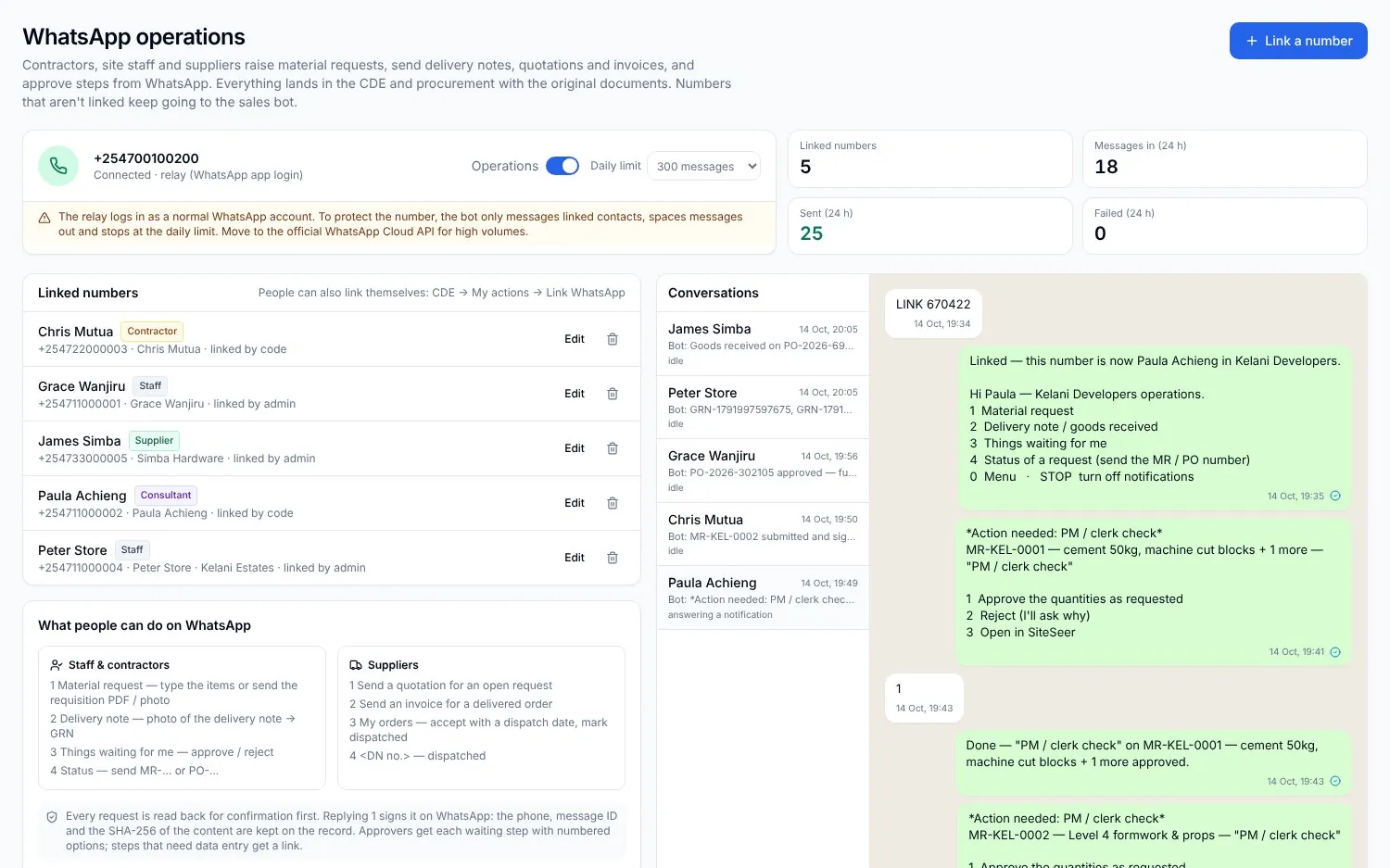
The PM, the QS and you approve the LPO by replying 1. Each approval is signed, timed and filed in the CDE.
Procurement · 05 · Deliver
Delivered, matched, paid.
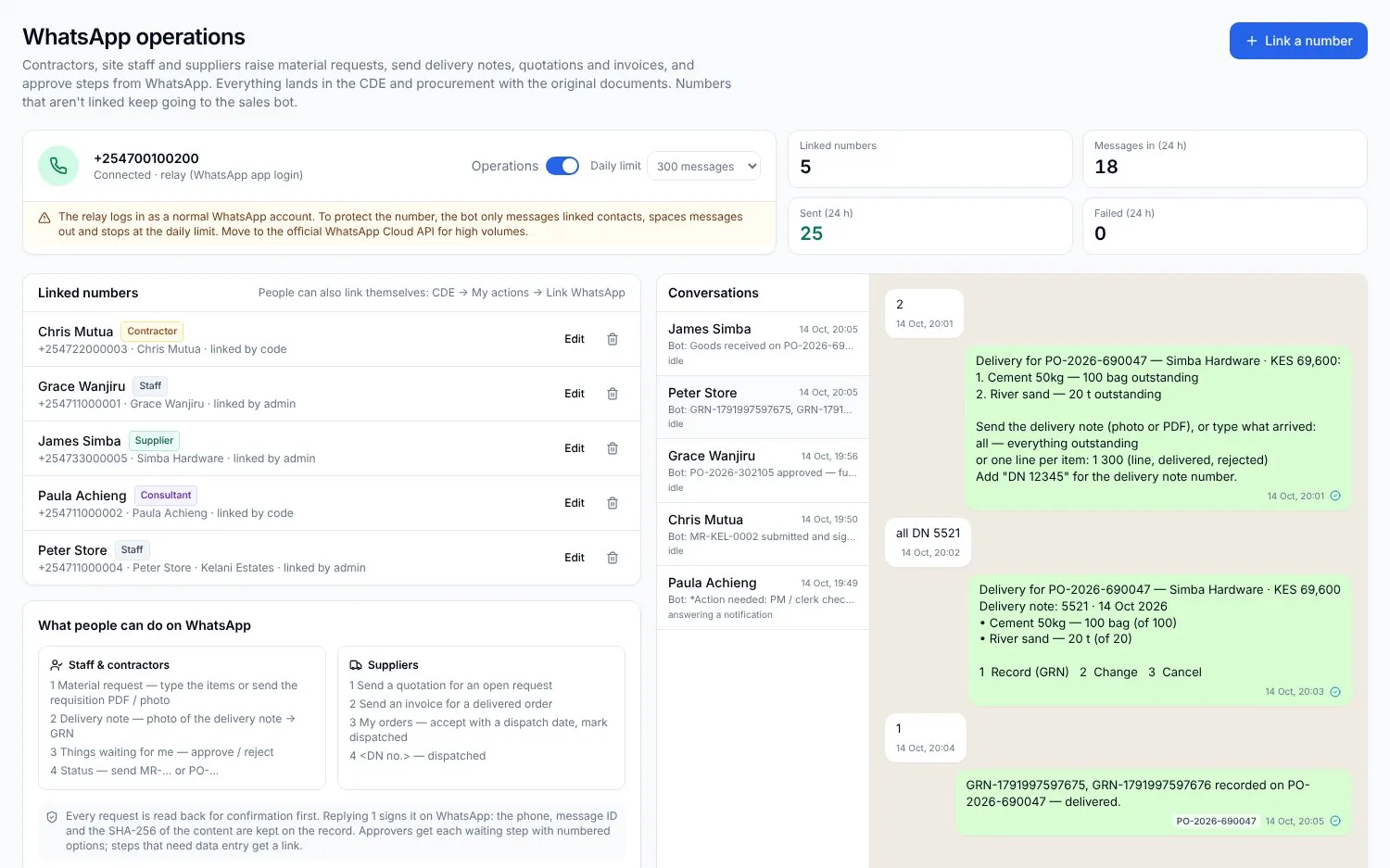
The storekeeper photographs the delivery note. Order, delivery and invoice are matched, and your cash flow updates itself.
Demo conversation
LPO-0091 approved by PM, QS and developer
What it does
Inside Procurement on WhatsApp.Real screens, real projects.
Request
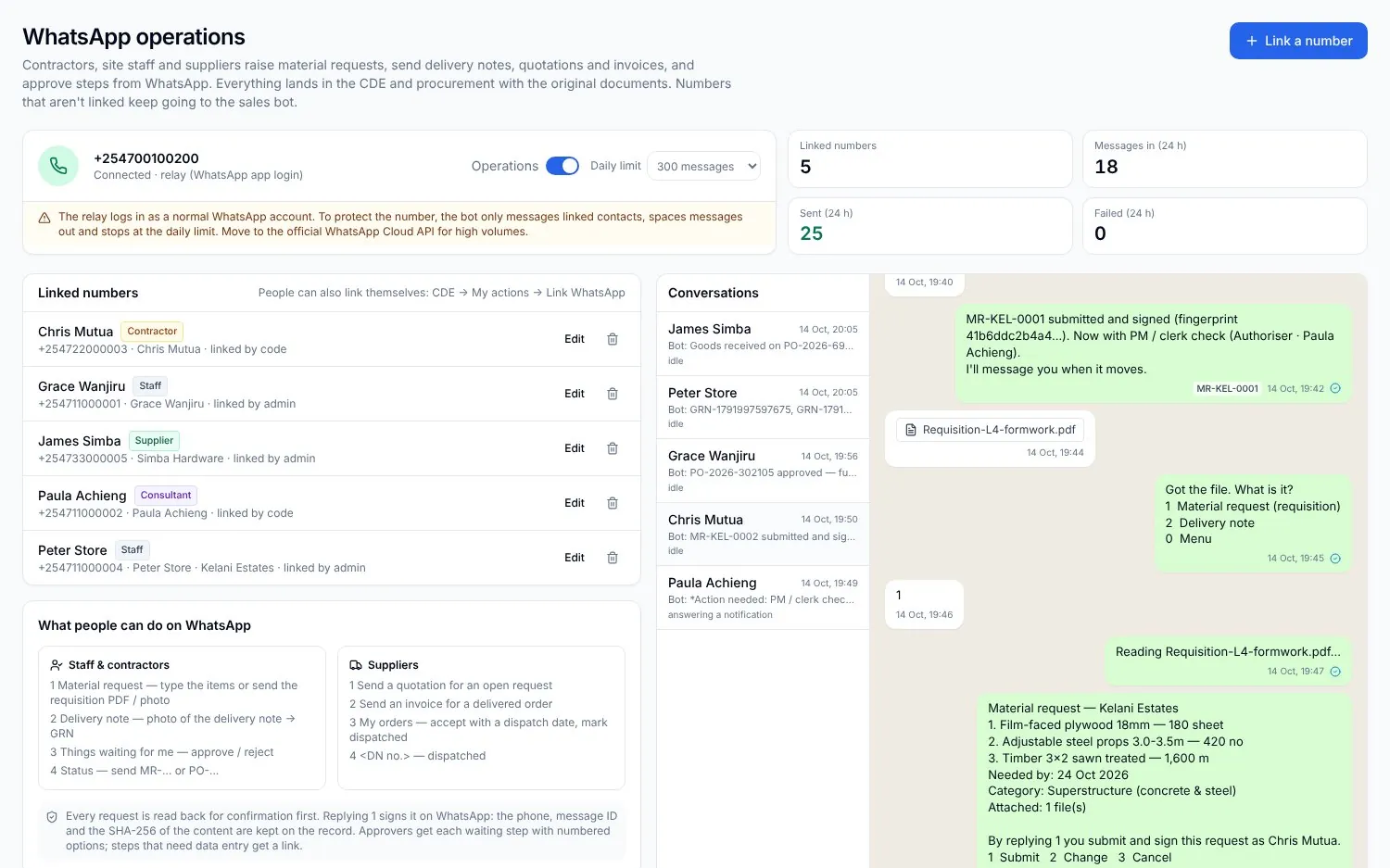
From a message, a voice note or a photo.
The site agent asks in WhatsApp. SiteSeer reads it into a request with quantities, location and the date it is needed.
Quotes
Suppliers quote, you compare.
Approved suppliers are asked for prices on WhatsApp and the quotes land in one comparison.
Orders
LPOs approved on the phone.
The order goes through your approval flow; each approver replies 1 or 2 and the LPO is issued.
Delivery
Delivered, photographed, matched.
The storekeeper sends the delivery note photo; the GRN is matched to the order and the invoice.
What it takes off your plate
Less chasing.More certainty.
Everything in Procurement on WhatsApp
All the features.Built for real sites.
Requests from WhatsApp
Text, voice notes, photos and PDFs read into request rows for review.
BOQ and budget check
Each request matched to BOQ lines, with the budget left shown before approval.
Supplier quotes
Request prices from approved suppliers and compare them line by line.
Approval flows
LPOs routed to PM, QS and developer; approve with a reply, signed and timed.
Deliveries and GRNs
Delivery notes photographed on site and matched to the LPO.
Three-way match
Order, delivery and invoice matched before payment.
Committed cost and cash flow
Every approved order updates committed cost and the cash-flow forecast.
Packages and bids
Larger packages tendered with an RFP pack and bids compared.
Ask Sera
“What is waiting for approval?” Sera answers and nudges the holder.
Works with
One record,many tools.
 01
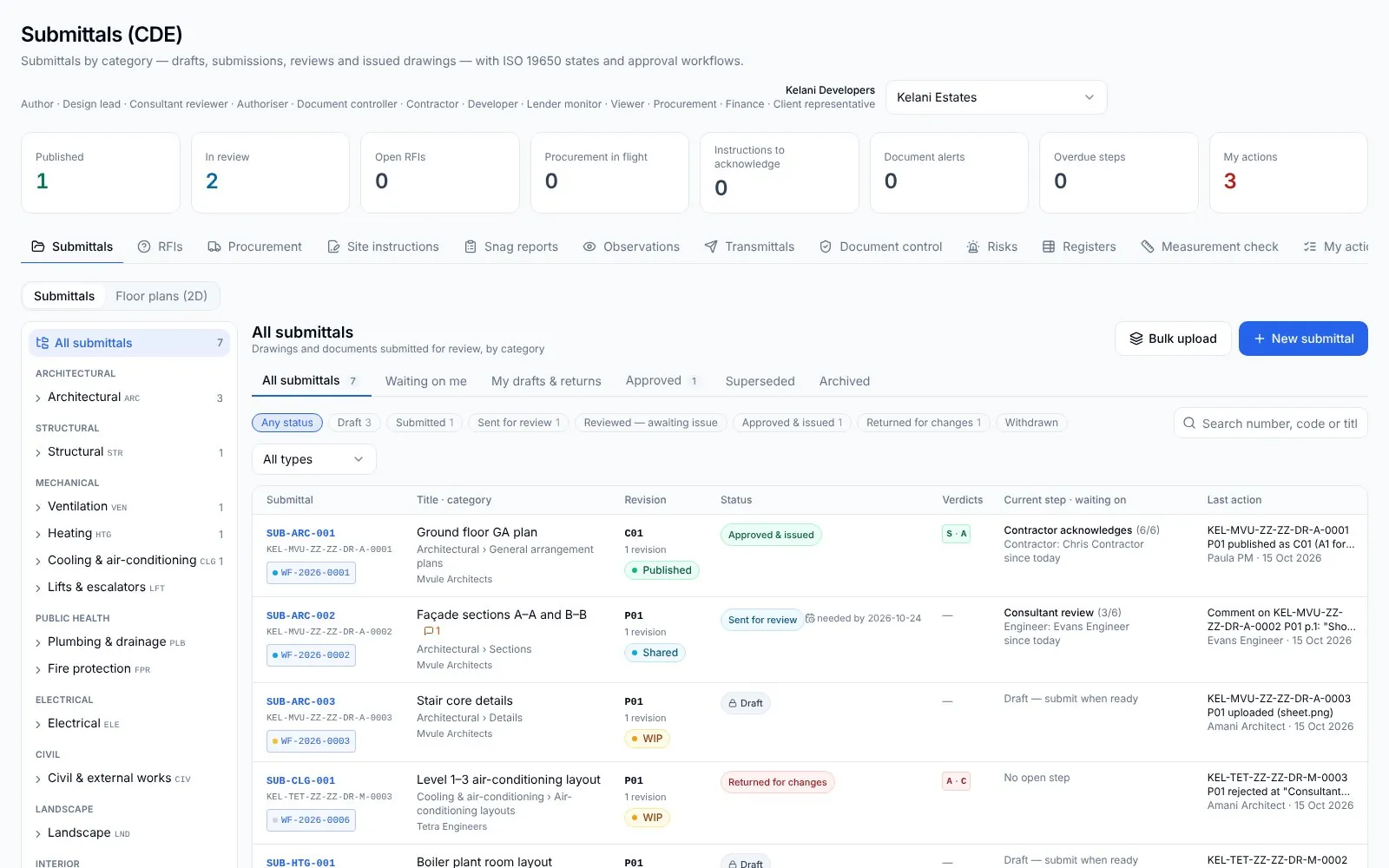
01SiteSeer Platform
Every approval moving. Every document on record.
 02
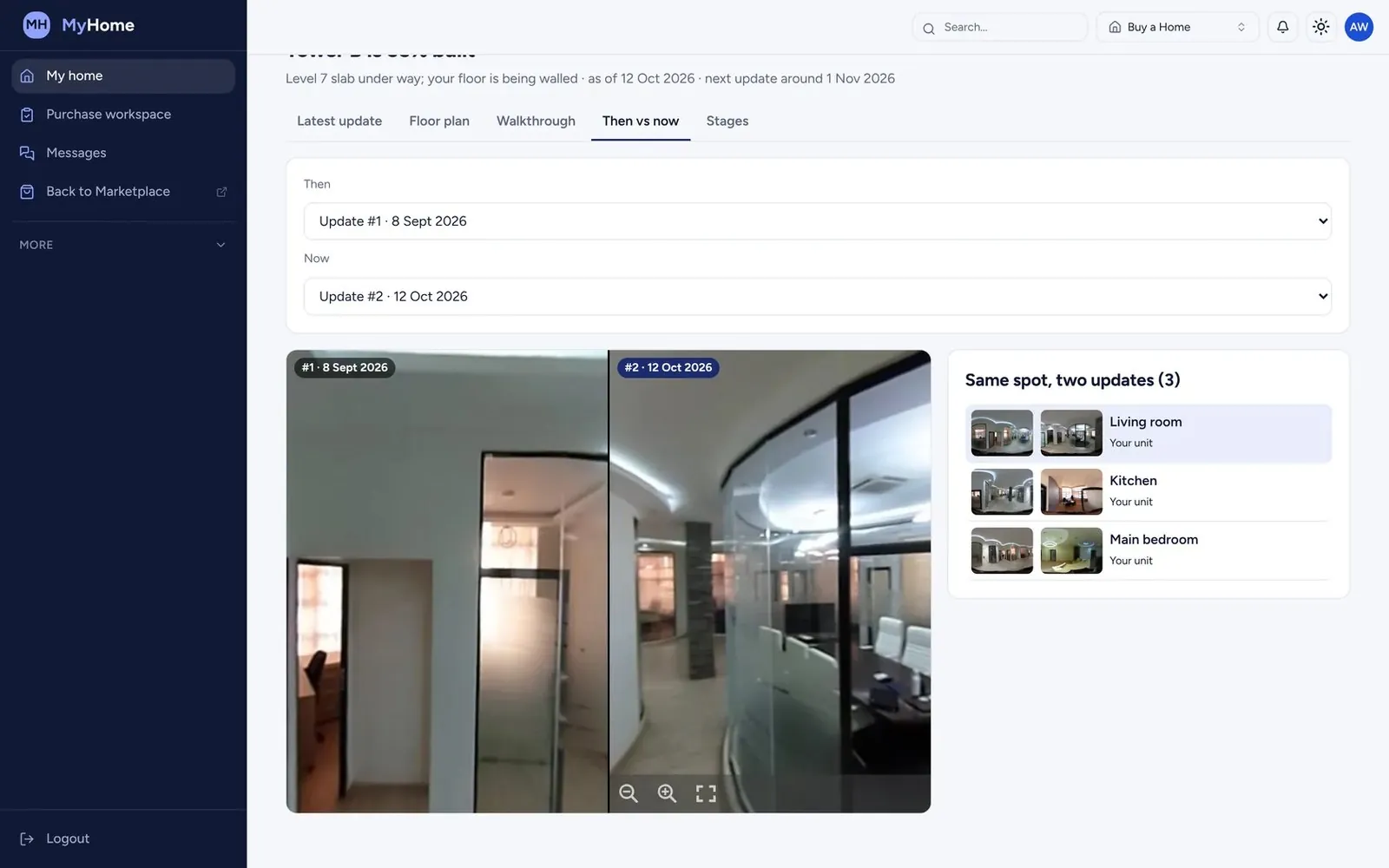
02SiteSeer Visualize
See your whole site. From anywhere, on any date.
 03
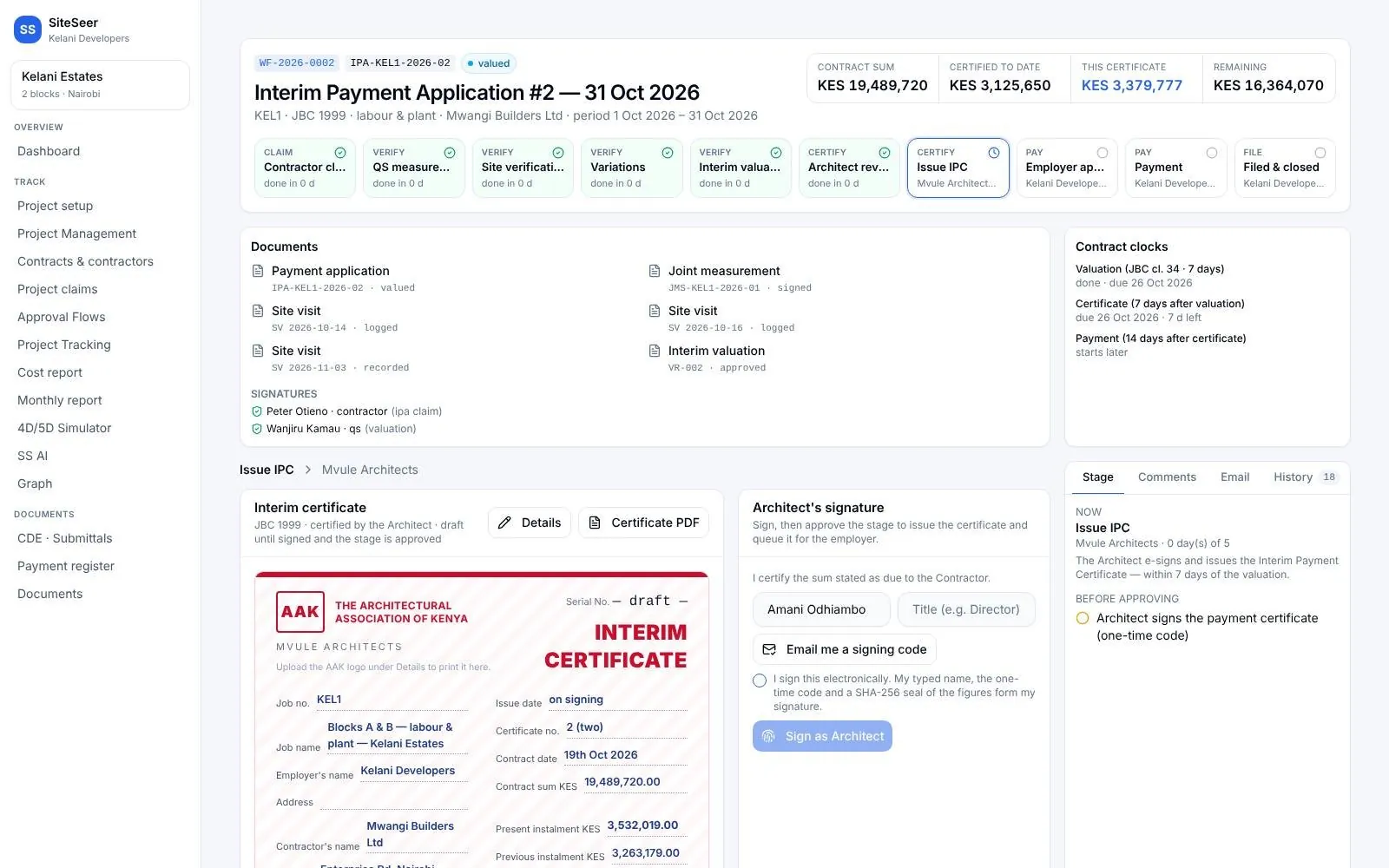
03Track and IPA submissions
Pay for what was built. Nothing more.
 04
04Sera AI by SiteSeer
Your whole project, in one chat.
 05
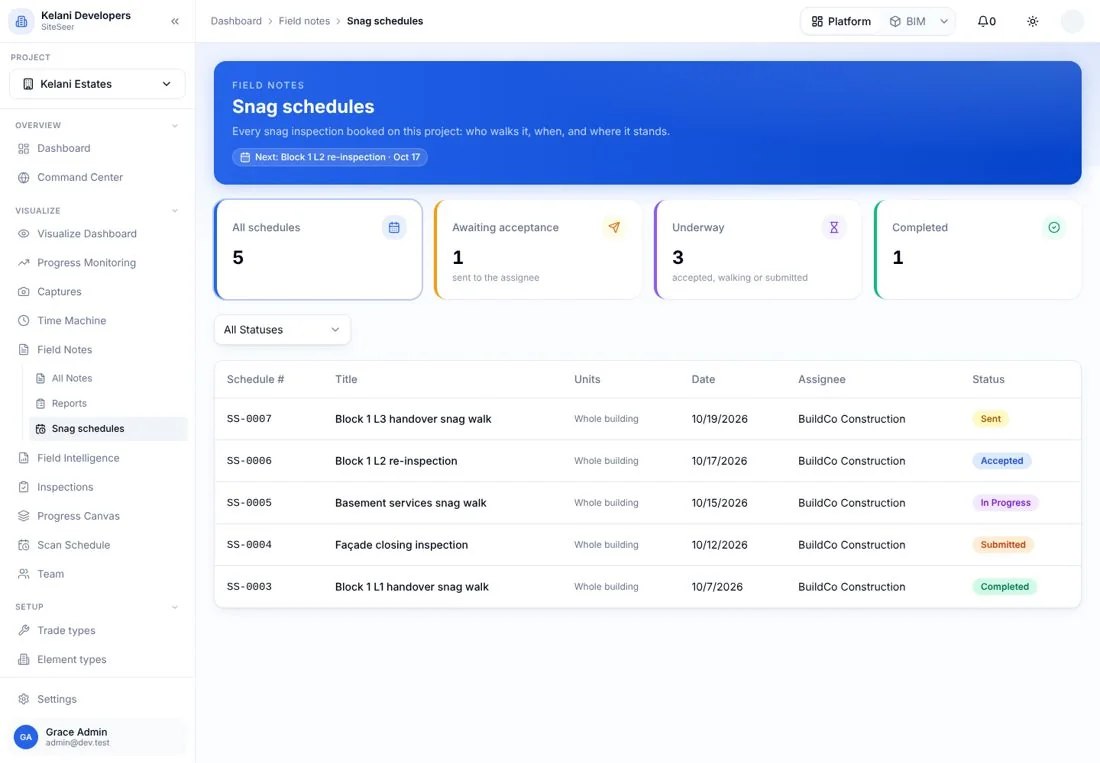
05Snagging and snag reports
Snags closed, not just listed.
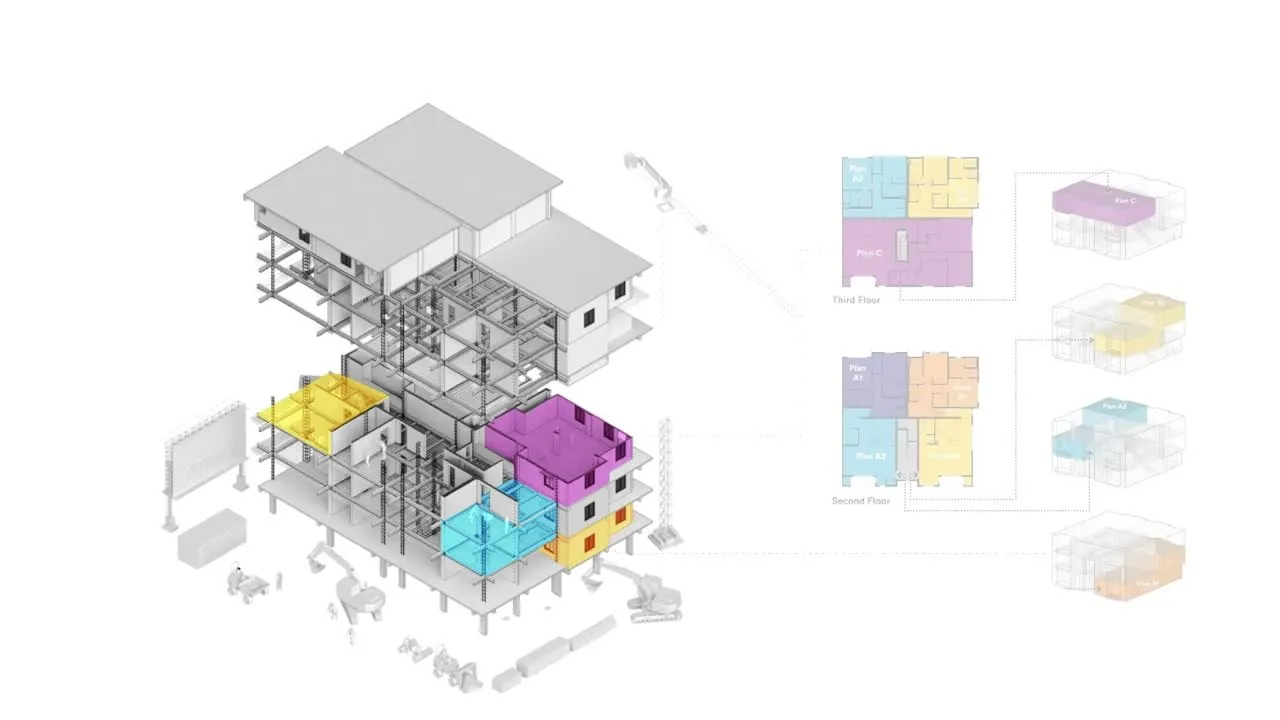 06
06SiteSeer BIM
Walk your building before it is built.
Keep WhatsApp. Lose the guesswork.
We will connect your site number and load your BOQ, so the next request is matched before it is bought.